Overview of the Action Items Page
updated 50 minutes ago
In this article:
Welcome to the Action Items page in our task management system. This article will guide you through this page's main features and functionalities.
User Assignment and Viewing
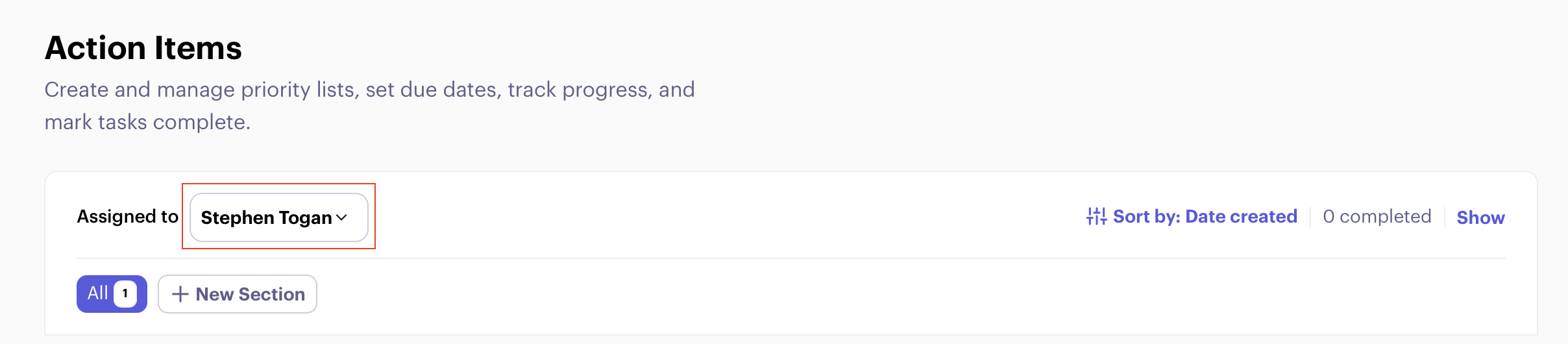
Your name is displayed in the top right corner of the page.
For admins and managers:
Click on the name to access a dropdown menu.
Select any team member's name to view their action items.
Sorting and Filtering Options
Located in the top right corner, you'll find:
An icon to sort action items by:
By date created (default).
By due date.
A counter showing the number of completed action items.
A "Show/Hide" toggle to review completed action items.
Section Management (Admin Feature)
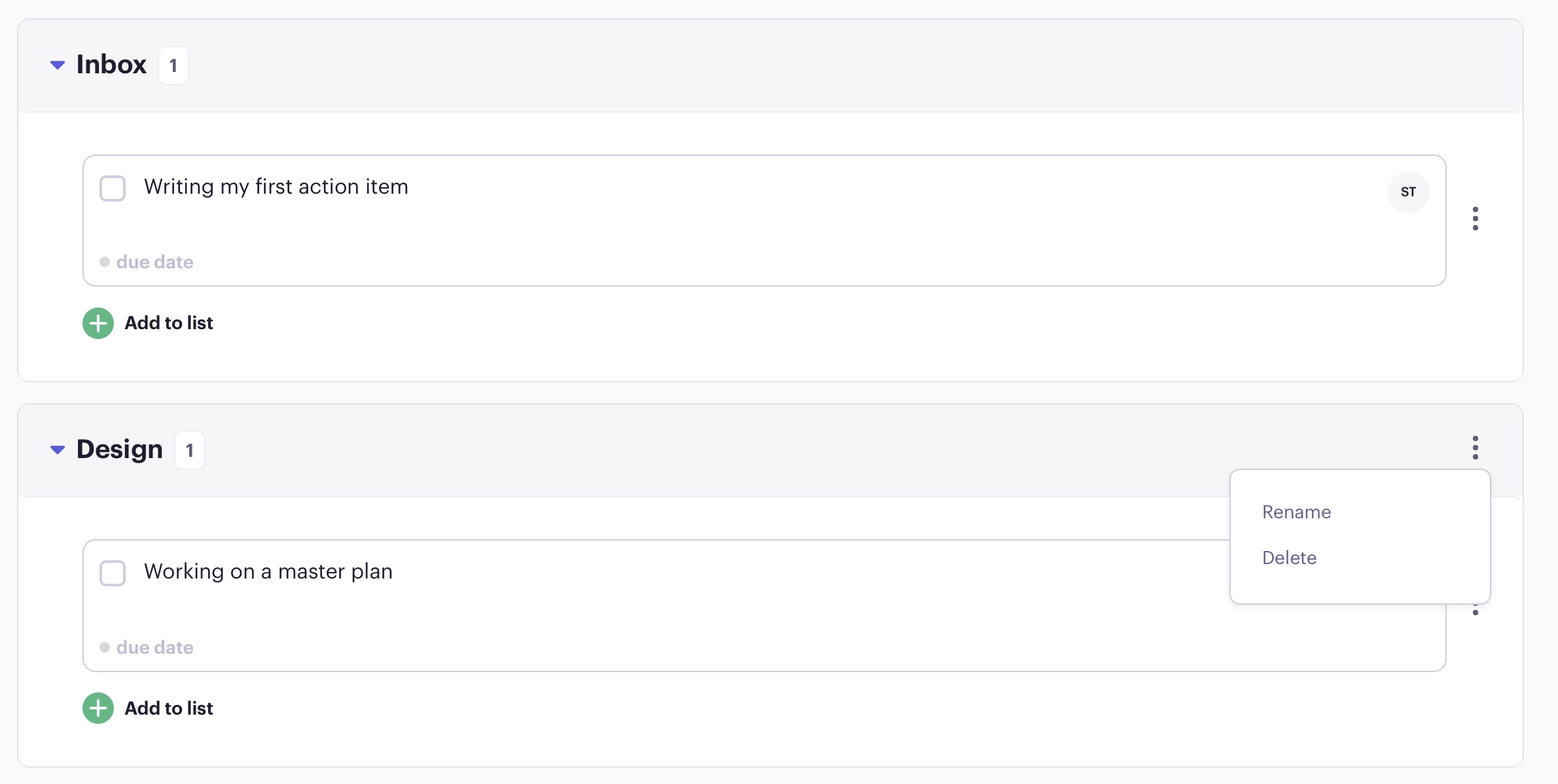
All action items are listed in the "Inbox" section by default.
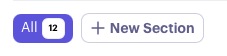
Admins can create additional sections:
Look for the "New Section" option.
Use this to create and organise multiple lists beyond the default Inbox.
Managing Sections
You can rename or delete a section by clicking through the menu icon.
Items from deleted sections will default to the inbox section.
Was this article helpful?
