Overview of Feedback & Praise
updated 4 weeks ago
In this article:
Welcome to the guide on using the Feedback feature in Beam. This tool is designed to enhance communication and recognition within your team by facilitating the exchange of feedback and praise. Here's how to make the most of the Feedback feature.
Key Sections of the Feedback Page
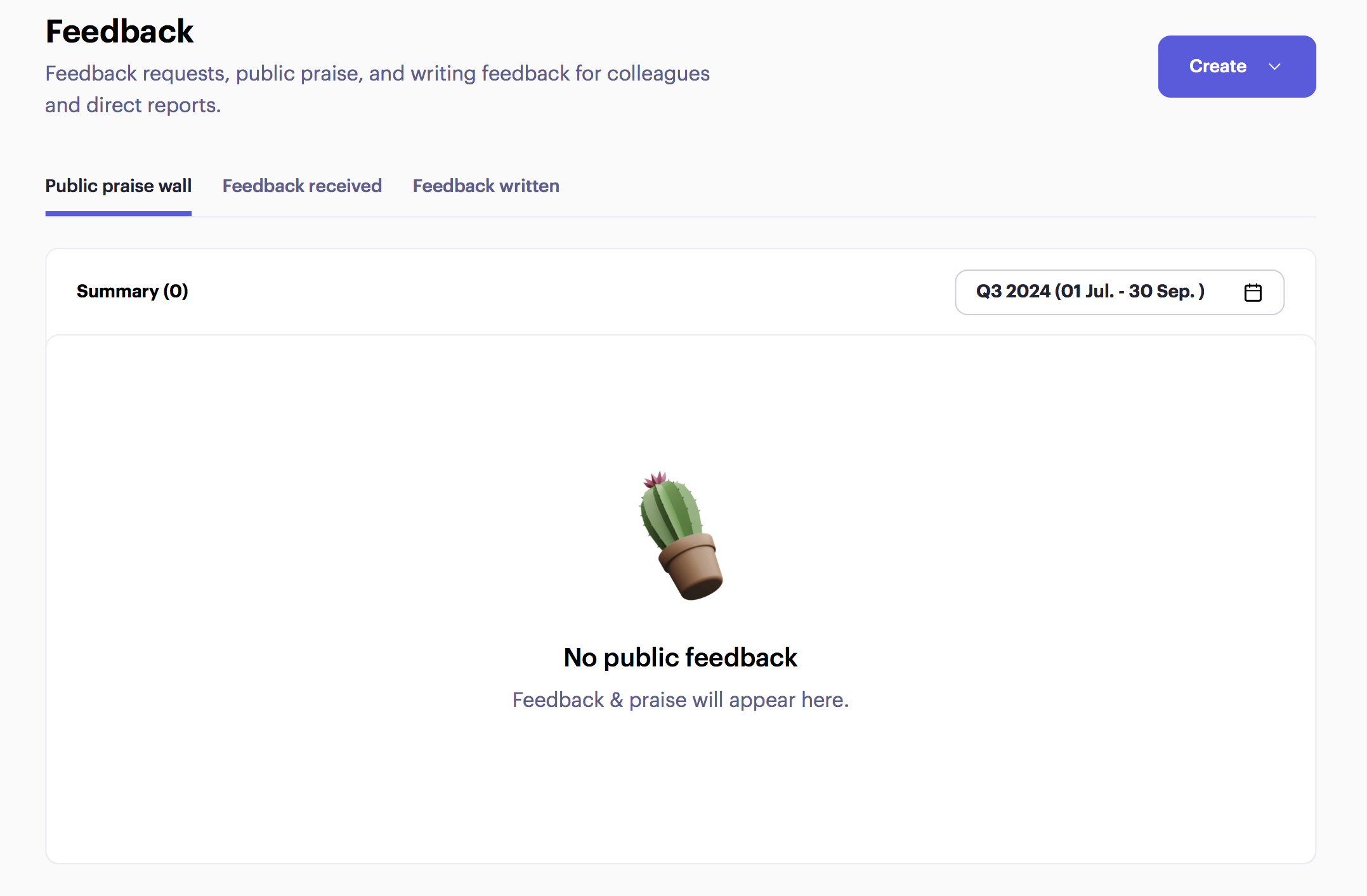
Public Praise
The Public Praise section displays feedback that is publicly shared within the app or workspace. This is where team members can see and celebrate each other's achievements and contributions.
Feedback Received
The Feedback Received section shows all the feedback you have received from other members of the company. By default, this feedback is filtered by your name, but you can choose to filter it by any other person in the organisation.
Feedback Given
The Feedback Given section lists all the feedback you have written and shared with others in your organization. This helps you keep track of the recognition and constructive feedback you have provided to your team members.
Feedback Requests
The Feedback Requests section displays any requests for feedback that you have received from employees or other members of the workspace. This allows you to respond to feedback requests promptly and ensure continuous communication and improvement
Was this article helpful?
