How to Manage Update Questions for Employee Updates
updated 4 weeks ago
In this article:
Managing update questions is crucial to gathering insights and feedback from your team. This guide will walk you through adding questions to employee updates, whether for an individual, a group, or the entire company.
What Are Update Questions?
Update questions are queries that managers or workspace admins can add to the employee update process. These questions are designed to collect specific information or feedback from team members during regular update submissions.
Adding Questions to Employee Updates
Step 1: Accessing the Manage Questions Feature
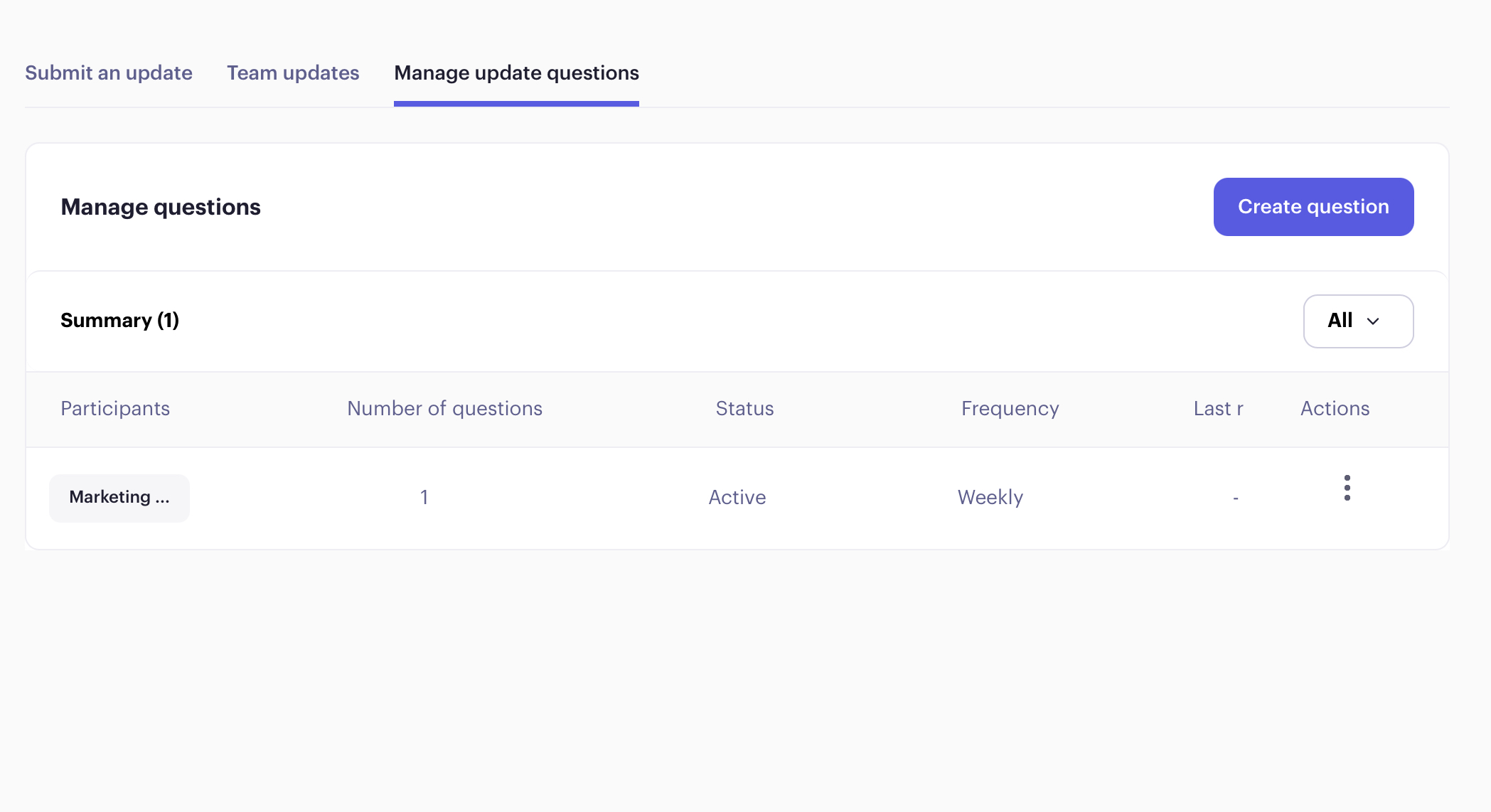
To begin, navigate to the "Manage update Questions" section. Here, you will find the option to "Create Questions."
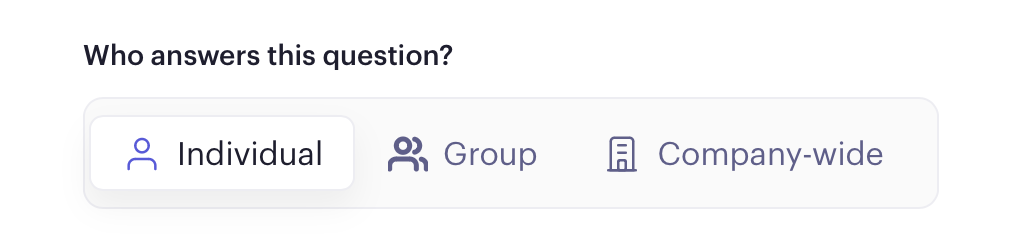
Step 3: Selecting and Creating Questions
Choosing Questions: You can select from a list of preset questions or create your custom question.
Mandatory Responses: Decide whether answering the question is mandatory for team members by selecting the "Required" option.
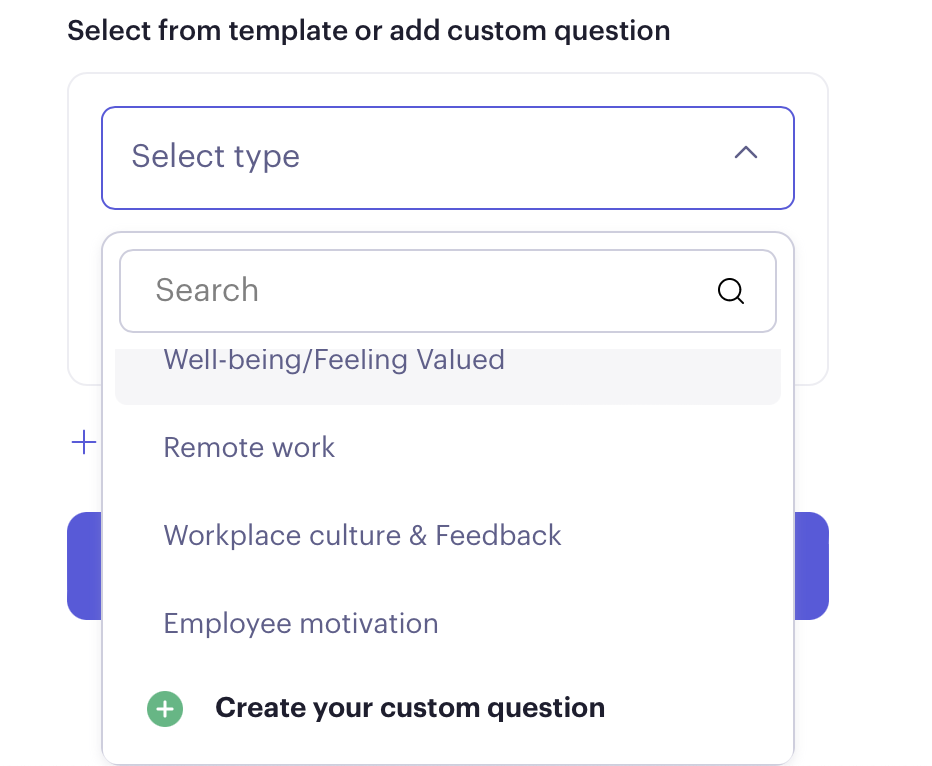
Step 4: Adding Multiple Questions
If you wish to add more than one question, click "Add New Question" and repeat the process for each additional query.
Step 5: Saving Your Questions
Once you have added all necessary questions, click "Save Question" to finalise the process.
Please note that any questions added will appear in the next update cycle and not in the current updates that are already in progress.
Was this article helpful?
